pi-linkup
Web search, answer, and content fetching via the Linkup API.
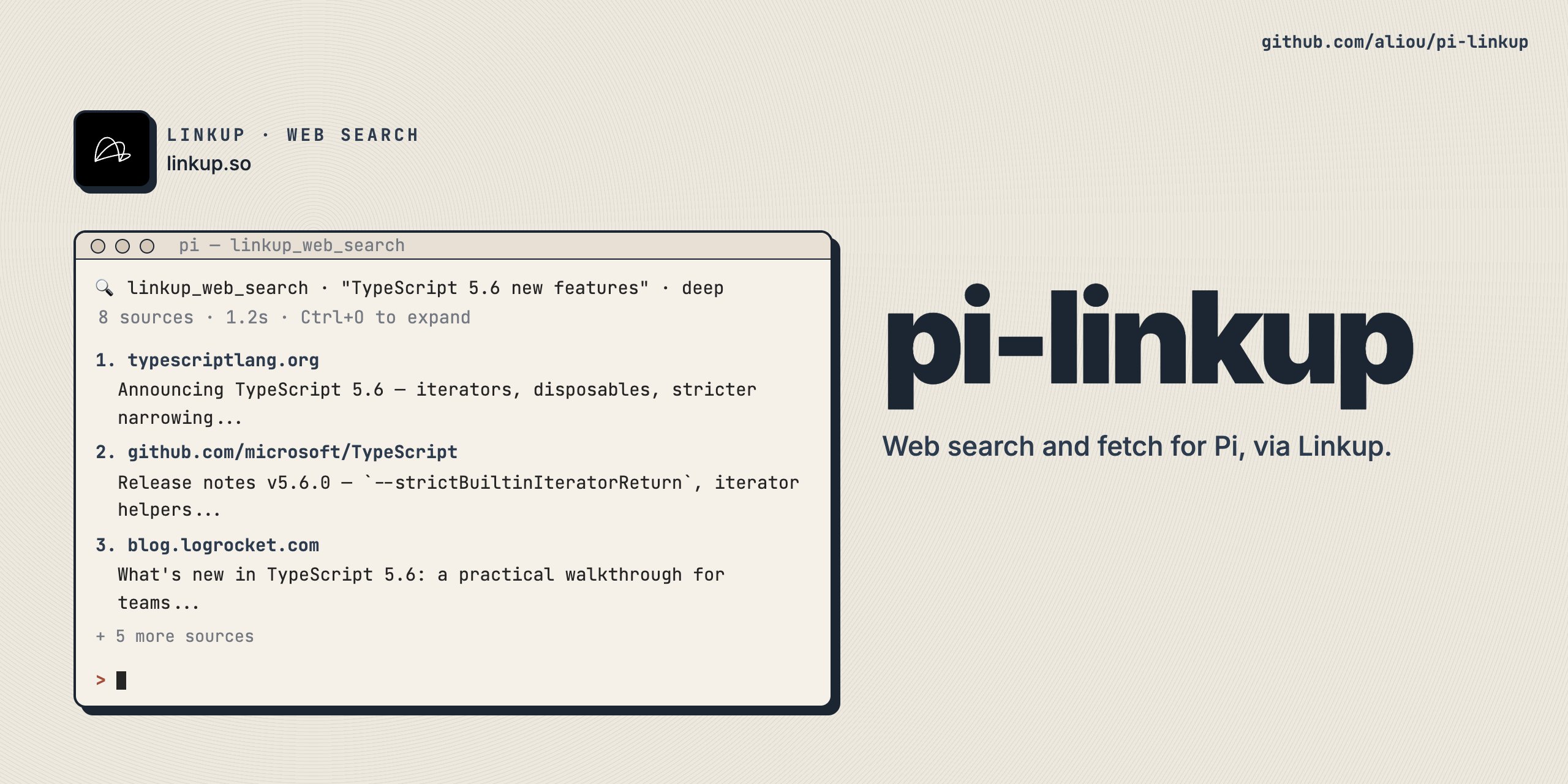
pi-linkup
Web search and content fetching extension for Pi using the Linkup API.
Features
linkup_web_search- Search the web, get relevant sources with contentlinkup_web_answer- Get synthesized answers with citationslinkup_web_fetch- Extract clean markdown from URLs/linkup:balance- Check API credit balance
https://github.com/user-attachments/assets/a0f131a4-d57c-4162-aeb5-ffc1a0a8d7ff
Installation
Get API Key
Sign up at app.linkup.so to get an API key.
Set Environment Variable
export LINKUP_API_KEY="your-api-key-here"Add to shell profile for persistence:
echo 'export LINKUP_API_KEY="your-api-key-here"' >> ~/.zshrcInstall Extension
# From npm
pi install npm:@aliou/pi-linkup

# From git
pi install git:github.com/aliou/pi-linkup

# Local development
pi -e ./src/index.ts
Usage
linkup_web_search
Search the web and get a list of sources with content snippets.
Parameters:
query(string, required) - The search querydeep(boolean, optional) - Use deep search mode for comprehensive results. Default: false
Example prompts:
Search for "TypeScript 5.0 new features"Use linkup_web_search with deep mode to research WebAssembly WASIThe agent will use linkup_web_search to find relevant sources. Results are shown in compact view by default. Press Ctrl+O to expand and see all sources with full content.
linkup_web_answer
Get a synthesized answer with sources.
Parameters:
query(string, required) - The question to answerdeep(boolean, optional) - Use deep search mode. Default: false
Example prompts:
What is the latest stable Node.js version?Use linkup_web_answer to find Microsoft's 2024 revenueThe agent will use linkup_web_answer for concise answers. Press Ctrl+O to expand and see the full answer with all sources.
linkup_web_fetch
Fetch content from a specific URL as markdown.
Parameters:
url(string, required) - The URL to fetchrenderJs(boolean, optional) - Render JavaScript. Default: true
Example prompts:
Fetch the content from https://docs.linkup.soUse linkup_web_fetch without JavaScript rendering for https://example.com/docsThe agent will use linkup_web_fetch to extract clean markdown. Press Ctrl+O to expand and see more content.
Check Balance
/linkup:balanceShows remaining API credits.
Skill
Includes agentskills.io compliant skill with detailed usage guide:
/skill:linkupProvides:
- Tool selection guidance
- Query formulation tips
- When to use deep vs standard search
- Prompting best practices
- Example workflows
Tool Selection Guide
Use linkup_web_search when:
- Finding information across multiple sources
- Research and discovery
- Need to see different perspectives
Use linkup_web_answer when:
- Need a direct answer to a specific question
- Want a quick summary from multiple sources
- Time-sensitive queries
Use linkup_web_fetch when:
- Reading documentation from a known URL
- Following up on search results
- Extracting content from specific articles
Best Practices
- Be specific with queries: “Microsoft 2024 Q4 revenue” beats “Microsoft revenue”
- Use deep mode strategically: Deep searches are thorough but slower
- Choose the right tool: search for discovery, answer for facts, fetch for known URLs
- Monitor usage: Check
/linkup:balanceto track credit consumption
Development
Setup
git clone https://github.com/aliou/pi-linkup.git
cd pi-linkup

# Install dependencies
pnpm install

# Set up git hooks (pre-commit: typecheck, lint, format)
pnpm exec husky install
Pre-commit hooks run on every commit:
- TypeScript type checking
- Biome linting
- Biome formatting with auto-fix
Commands
# Type check
pnpm run typecheck

# Lint
pnpm run lint

# Format
pnpm run format
Test Locally
pi -e ./src/index.ts

# Then in Pi
/skill:linkup
Requirements
- Pi coding agent v0.50.0+
- LINKUP_API_KEY environment variable
Links
License
MIT